Custom WordPress Plugin Development
A WordPress website often starts with a few plugins for forms, payments, SEO or security. As a business grows, however, its workflow may not fit any off-the-shelf plugin. You may need a booking rule that is unique to your service, a connection to an internal system, a custom customer dashboard or a WooCommerce feature that follows a specific business process. Custom WordPress plugin development can fill that gap without turning the theme into a collection of fragile code snippets.
What is a custom WordPress plugin?
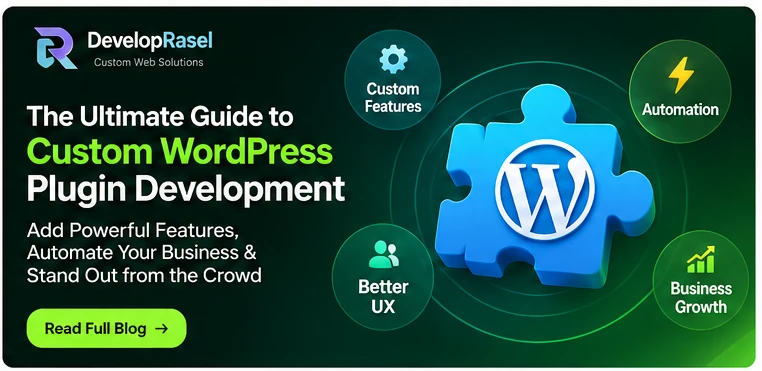
A plugin is a package of PHP, JavaScript, CSS and other assets that extends WordPress. A custom plugin is designed for a defined set of requirements rather than a broad mass-market audience. It can add admin settings, custom post types, shortcodes or blocks, REST API endpoints, scheduled tasks, integrations and front-end features. The best plugin has a clear responsibility and uses WordPress APIs appropriately.
Signs your business may need one
Consider custom development when you repeatedly perform manual tasks that could be safely automated; when several plugins overlap or conflict; when a vendor plugin cannot support a critical business rule; or when you need a secure integration with an external service. Other examples include custom quote calculators, role-based portals, subscription workflows, inventory synchronization, specialized search filters and tailored reporting. A custom plugin is not automatically the answer: first check whether a maintained existing product already meets the requirement.
Why not put everything in functions.php?
The theme should primarily control presentation. If business logic lives inside a theme, changing the design can accidentally remove important functionality. A dedicated plugin keeps that functionality independent from the active theme and makes it easier to test, document and maintain. Small site-specific snippets may be reasonable in a carefully managed must-use plugin, but complex workflows deserve a deliberate structure.
The development process
Start with a requirements workshop. Document who uses the feature, what data it reads and writes, what happens in normal and error cases, and which systems it communicates with. Next, define the data model, permissions and user interface. Build a small working version, test it on a staging site, and validate edge cases before deployment. Include clear setup instructions, logging where appropriate, and a rollback plan. For integrations, account for API timeouts, rate limits, authentication and changes made by the third-party provider.
Security and compatibility essentials
Use capability checks and nonces for privileged actions, validate and sanitize incoming data, escape output for its context, and use prepared database queries. Do not trust browser-side validation alone. Follow WordPress coding conventions and test supported WordPress and PHP versions. Check compatibility with the active theme, page builder and relevant plugins. For WooCommerce extensions, test cart, checkout, order status and refund flows in a safe environment. Security is an ongoing responsibility, not a one-time checkbox.
What to include in a project brief
Describe the problem, user roles, required screens, data fields, business rules, integrations, expected volume and acceptance criteria. Include examples of the current manual process and screenshots if available. Ask your developer how updates will be handled, who owns the source code, what documentation is delivered and whether future enhancements can be made without breaking existing data.
Build the right feature—not another plugin dependency
A well-scoped plugin can make WordPress fit your business instead of forcing your team to change a proven workflow. Rasel offers custom WordPress plugin development and functionality tailored to business requirements. If you have an idea, outline the workflow and the result you want; use the contact options on Developer Rasel to discuss a practical implementation.
Frequently asked questions
How much does custom WordPress plugin development cost?
Cost depends on the number of workflows, screens, integrations, security requirements, testing needs and support expectations. A clear scope is needed before a meaningful estimate can be prepared.
Can a custom plugin work with any WordPress theme?
A well-designed plugin should keep business logic independent of the theme, but front-end styling and specific integrations may still require compatibility testing.
Should I build a plugin or use an existing one?
Use an established plugin when it meets your requirements, is maintained and has acceptable performance and security. Choose custom development when a critical requirement cannot be met reliably.
Ready to build a better website?
Whether you need a custom WordPress theme, a purpose-built plugin, a WooCommerce enhancement or a complete business website, start with a clear brief and a maintainable plan. Visit Developer Rasel to learn about the services and get in touch about your project.

Developer Rasel
Custom WordPress & plugin developer. I build custom themes, plugins and WooCommerce features for businesses worldwide - and fix broken sites fast.